-
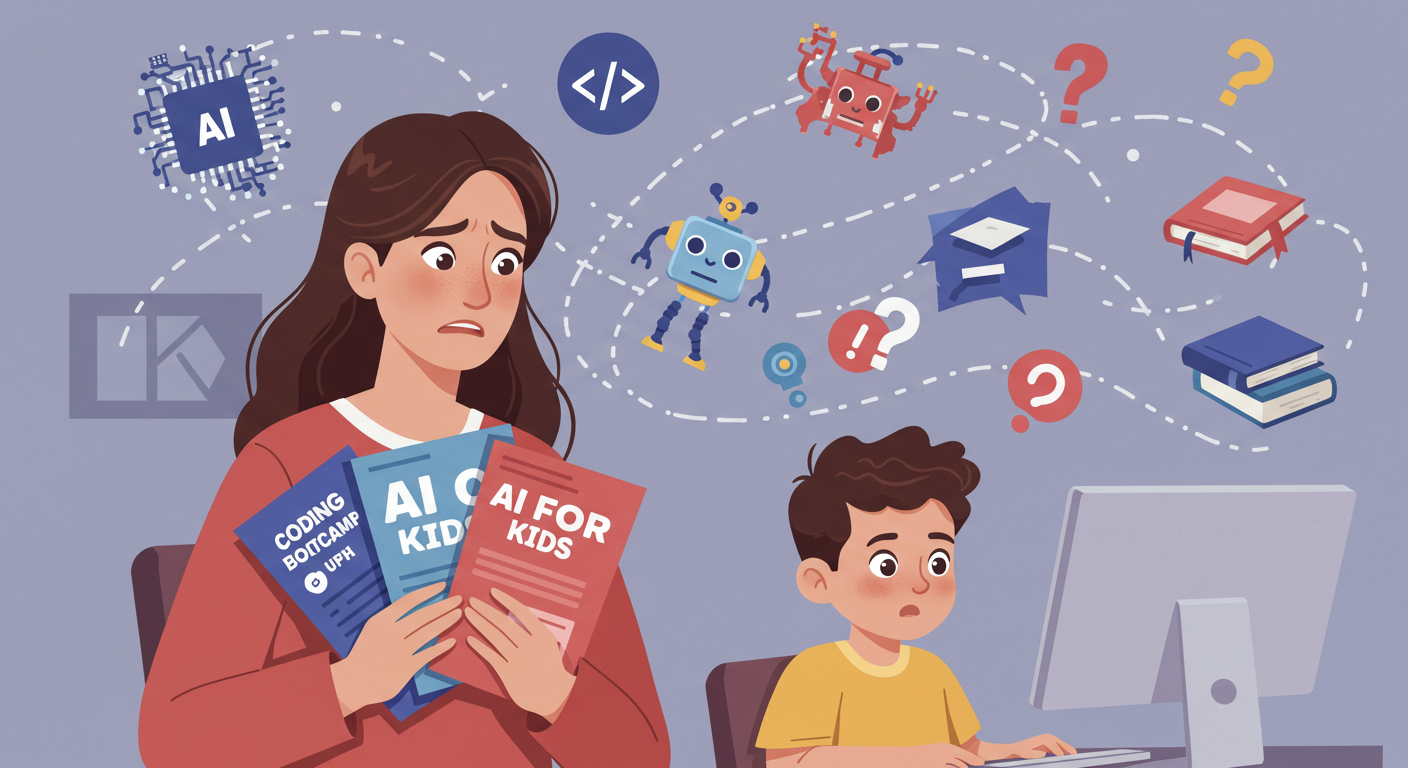
Should my kid learn how to code? But nowadays AI can write code, so maybe all those kids learning coding were just wasting their time. Should my kid learn AI, then? But who knows how long this will last—so should my kid learn anything at all?
Let’s tackle these questions by quickly remembering how everything started and developed.
The “Learn to Code” boom began around 2012. Coding boot-camps exploded as pathways into tech careers; even the U.S. president of the time encouraged, “Don’t just play on your phone—program it.”
Between 2016 and 2019, focus shifted toward children and teens. Chain-style coding schools like Code Ninjas emerged, and platforms such as Scratch and Bitsbox proliferated. Just like math tutoring or piano lessons, many parents enrolled their kids in coding courses to get them “future-ready.”
Around 2018–2021, public schools began moving computer science from after-school clubs into the core curriculum. While many students were already more advanced than their teachers, and the material sometimes lagged industry trends, coding had finally become institutionalized.
Enter 2023, when everyone started talking about AI. Tools like ChatGPT, GitHub Copilot, and Replit AI could generate code from a simple prompt—and if you needed data (text, images, statistics), AI could create or organize it faster than any human.

At this point, we have to recognize that coding education—while emblematic of this shift—is only one facet of a much broader change. Parents of high-schoolers (and even younger students) have likely noticed kids using these tools in class. Desperate teachers and professors scramble to keep up, and teaching often becomes a game of “catch me if you can.”
So the question “Should my child learn to code?” or “Should my child learn AI?” must be reframed under a higher-level inquiry:
What knowledge and skills should our youth master in 2025 and beyond?
The CodeCraze ApproachDream It.

CodeCraze opened in 2017 under the motto “Dream It. Build It. Share It.” From day one, whatever the class—coding, robotics, maker corner, digital fabrication, electronics, or video creation—we begin by asking each student, “What would you like to create?”- Record the dream. Some projects are immediately feasible; others exceed our time, tools, or current technology. In every case, we write down their vision, break it into steps, and discuss what would be required to achieve even a small prototype. This “Dream It” phase sparks motivation and creativity—an essential spark AI can support but never replace.
Build It.

Next comes planning and hands-on work. As students craft code, assemble robots, or prototype devices, they learn through trial and error—and failure becomes invaluable data.- Algorithmic & analytical thinking are always front and center. For example, rather than merely teaching syntax for displaying a game score, we ask:
- “How would you design scoring if you built this language?”
- “How does the computer ‘remember’ a changing score?”
- “Why do we need variables instead of hard-coding the number?”
The educator’s art lies in applying this approach—sometimes implicitly—so the child stays engaged rather than feeling interrogated by an overload of questions. At CodeCraze, we are trained in, and experienced with, this didactic mindset. The key is that, when we successfully shape the class dynamic in this way, the outcome is not simply a child who can competently use, say, the Python programming language and its syntax. Instead, it is a child who approaches new domains with a critical mindset—able to discern what to adopt, what to disregard, and what to adapt.
So, when a new technological tool emerges—such as a Large Language Model like ChatGPT or any modern AI application—our students can evaluate how best to use it, and in which contexts. They will be able to critically assess its different aspects and adapt to its useful features more quickly and effectively than their peers.
For example, imagine a student asking ChatGPT to write a program for a computer game, only to find that the result doesn’t behave as intended. A student trained in the type of thinking we foster will begin by examining the prompt carefully, identifying any wording that might have been unclear or incomplete. Then, they will be able to follow the AI-generated code and spot issues—even if they have never been trained in that particular programming language. This capability is the direct result of our special curriculum, which you can read more about in our upcoming blog entry.
Share It.

The final step is “share.” More than in many other fields, technology thrives on constant communication and collaboration. That said, not all students enjoy being social. If social connection is a parent’s primary goal, we do our best to facilitate it—but it is perfectly fine for a student to prefer working alone (read more on this under “Neurodivergent Students”). Even in those cases, we teach students how to make the most of free, publicly available information: coders can read other coders’ questions and solutions online, robotics students can watch videos of other robots in action, and so on.
There are proven ways to optimize this collective learning process, and we demonstrate them in our classes. But “sharing” is not just about taking—we also encourage giving back to the community by contributing ideas, sharing lessons learned (including failures and frustrations), and presenting projects they are proud of. At this stage, issues such as intellectual property rights and the ethical use of AI become important. This is a largely neglected area in children’s tech education, so we make it a point to emphasize it and dedicate part of our curriculum to exploring it in depth. In short, we teach them to:
- Tap community resources (forums, videos, open-source projects) with a critical eye.
- Share their own work—code snippets, robot designs, or digital artifacts—and solicit feedback.
- Navigate ethics & copyright—especially vital when using or building upon AI-generated content.